![logo_white.svg]](https://help.garantme.fr/hubfs/website2023/_logos/logo_white.svg)
While unpaid rent is ongoing, the landlord updates the debt statement online every month. Without an update, new debts cannot be compensated, and those arising more than 45 days before being reported no longer are.

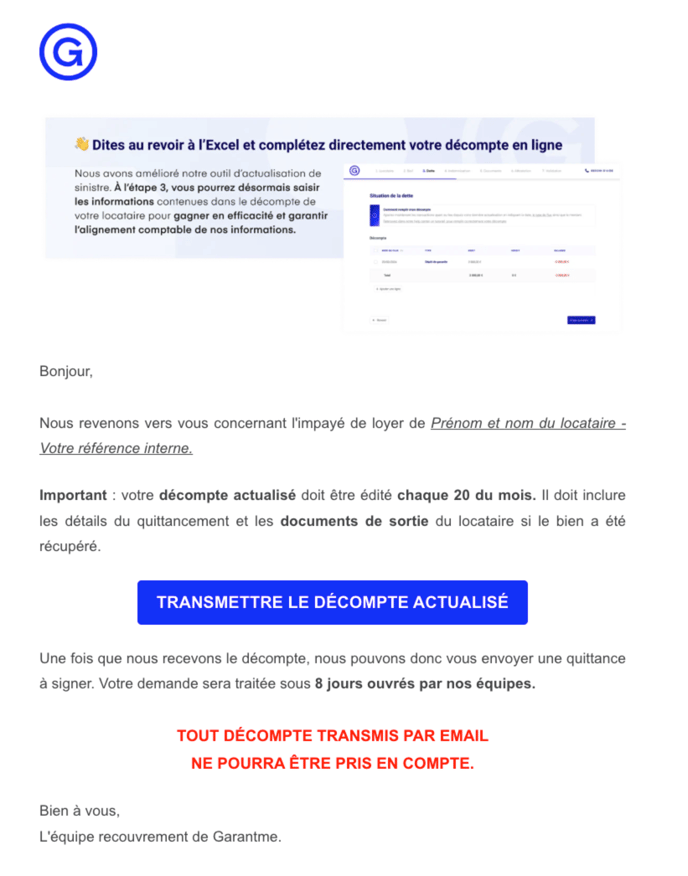
Step 1: open the link received on the 20th
Click the link in the Garantme email to open your claim update page.
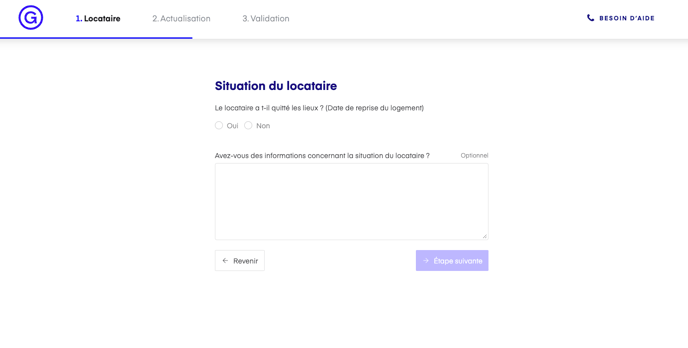
Step 2: state the tenant's situation
Say whether the tenant still occupies the property. This guides the recovery or eviction procedure and the amount of the next payment. Add any useful information about the tenant in the text box: it can speed up the procedure.
Unpaid charges (for example the household waste collection tax, TEOM): send the supporting document to recouvrement@garantme.fr; it is required for payment.
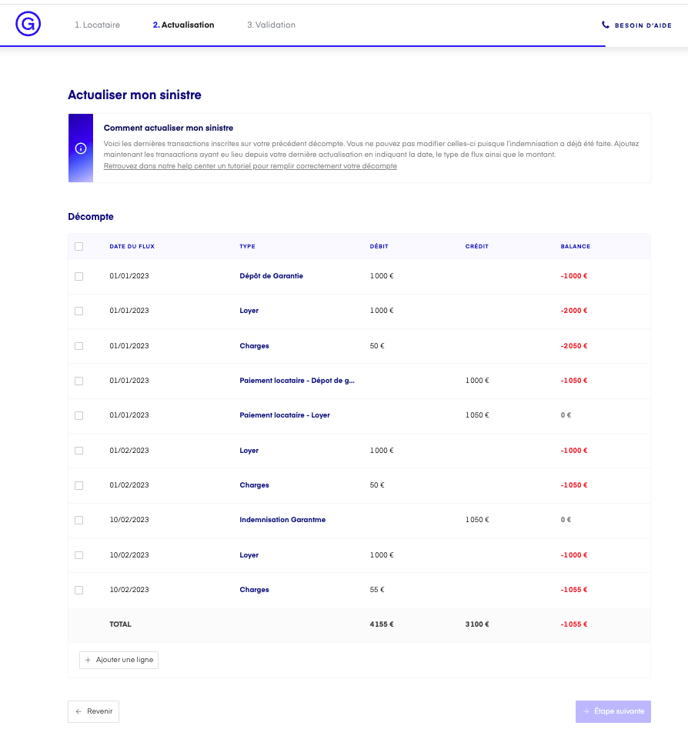
Step 3: complete the debt statement
Lines already entered by your claims handler cannot be edited; if there is an error, write to recouvrement@garantme.fr.
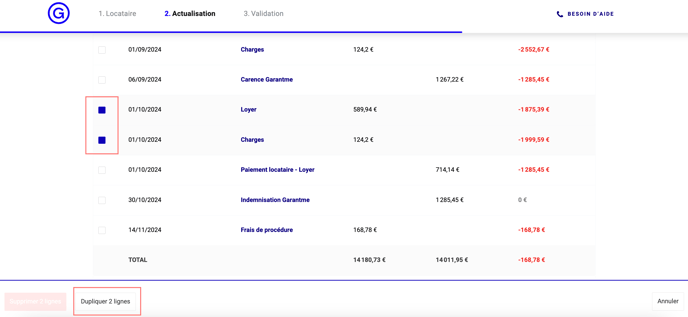
Duplicate: tick the previous month's lines, then "Duplicate"; they are carried over to the next month with the same label and amount.
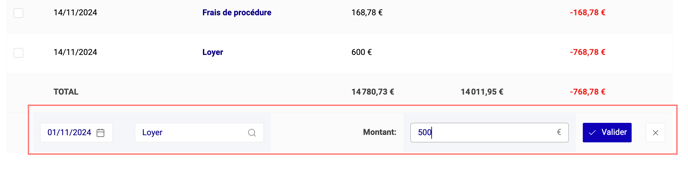
Add a line: button at the bottom of the table; enter the rent due date set in the lease, the type (for example "Loyer", rent) and the amount due.

How do I correct a mistake?
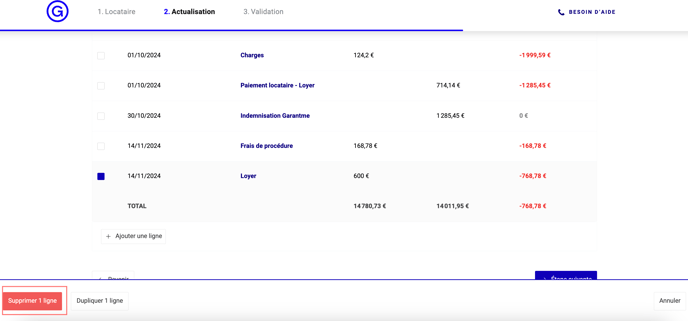
Tick the wrong line to delete it, then confirm the deletion.
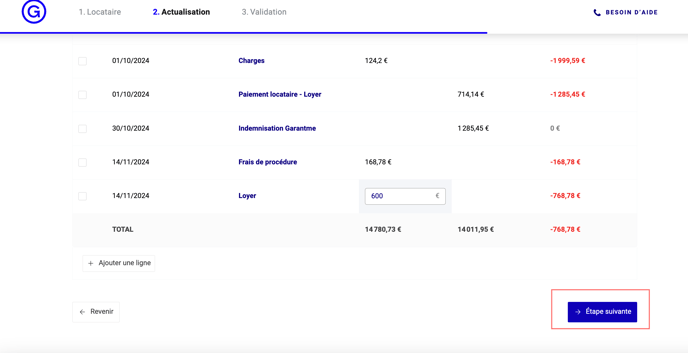
Or click the cell to correct the date, type or amount.

Step 4: confirm the update
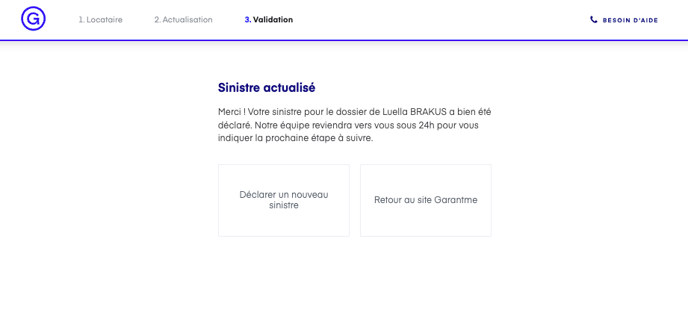
Click "Étape suivante" (next step). Your claims handler then sends you a subrogation receipt, which triggers payment of the compensation.
Questions: your dedicated claims handler answers at recouvrement@garantme.fr. See also: what to do in case of unpaid rent.
Updated on 11 November 2026.